



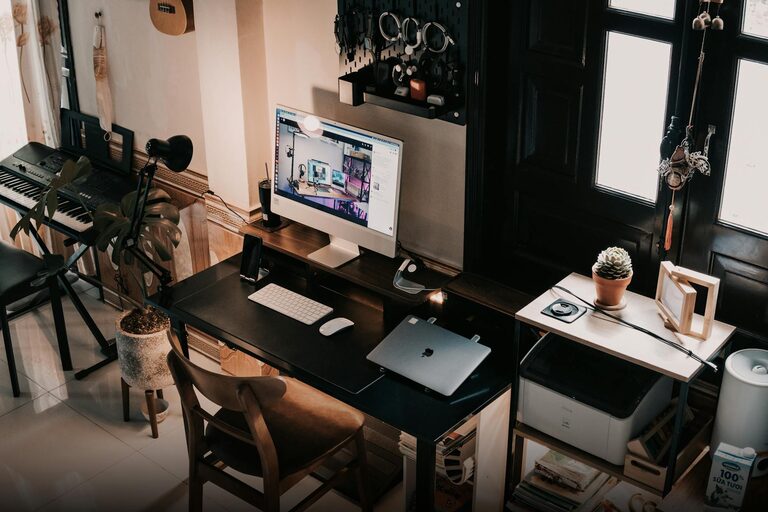
Creating a relaxing home workspace is essential for anyone who works from home or spends significant time on personal projects. A well-designed workspace not only improves comfort but also boosts productivity by reducing stress and distractions. Whether you have a dedicated room or a small corner, these tips will help you craft an environment where you can focus and feel at ease.
Why a Relaxing Workspace Matters
A cluttered or uncomfortable workspace can make tasks feel more tiring and challenging. In contrast, a calm environment supports concentration and creativity. When your workspace is inviting and organized, you’re more likely to approach work with a positive mindset and maintain a healthy work-life balance.
Choosing the Right Location
The first step in creating your workspace is deciding where it will be. Ideally, choose a spot with:
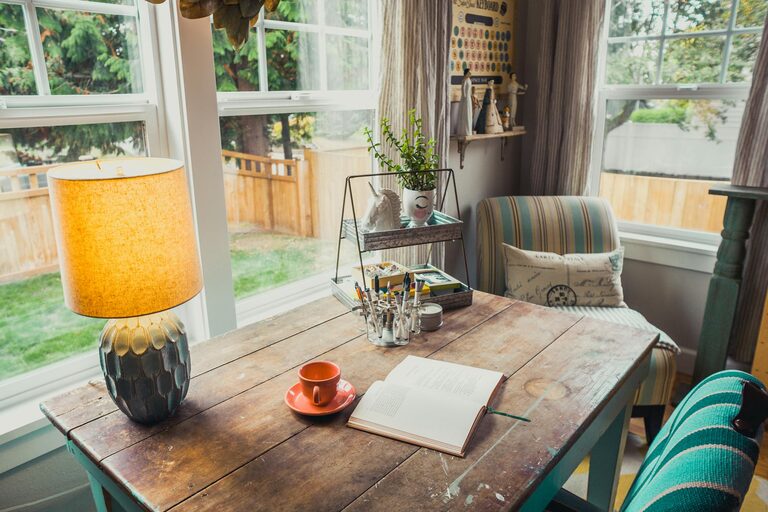
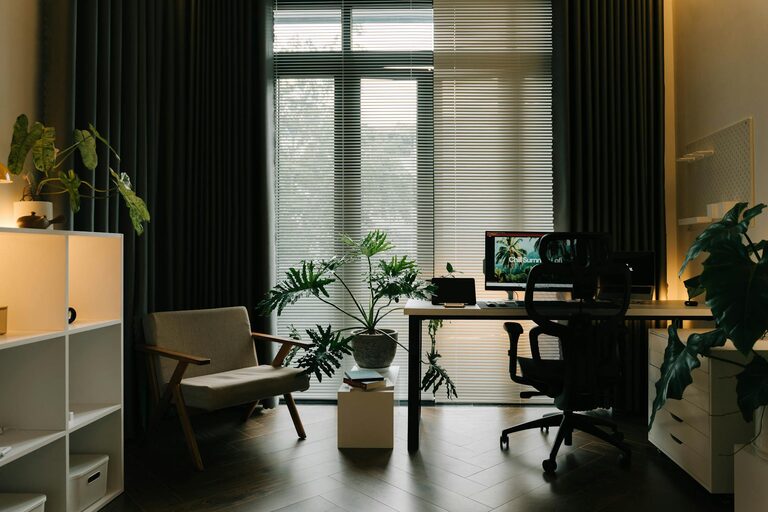
– Natural light: Exposure to daylight improves mood and alertness.
– Minimal distractions: Find a quiet corner or a room away from high-traffic areas.
– Adequate space: Ensure you have enough room for your desk, chair, and equipment.
If space is limited, consider multi-functional furniture or a fold-down desk to maximize your area.
Invest in Comfortable Furniture
Comfort is key to sustaining long periods of work. Consider:
– Ergonomic chair: Supports your back and encourages good posture.
– Adjustable desk: Allows switching between sitting and standing positions.
– Proper desk height: Prevents strain on wrists and shoulders.
If budget is tight, focus first on a good chair and desk setup to avoid discomfort and fatigue.
Organize and Declutter
A tidy workspace promotes mental clarity. Here are some organization tips:
– Use storage boxes, drawers, or shelving to keep supplies out of sight.
– Keep only essentials on your desk to avoid clutter.
– Use cable organizers to manage cords neatly.
– Implement a daily or weekly cleaning routine to maintain order.
Incorporate Calming Elements
Adding relaxing touches helps create a serene atmosphere:
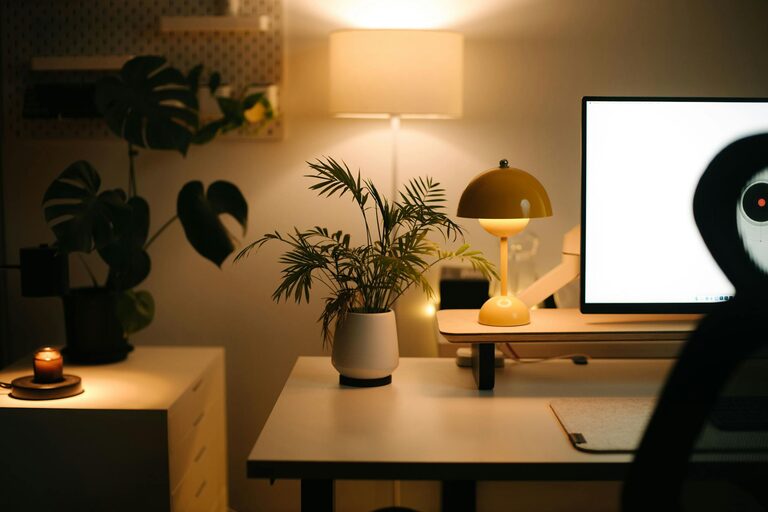
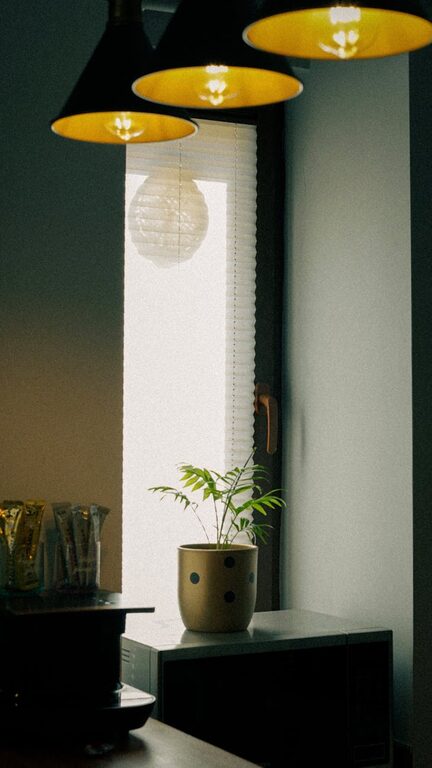
– Plants: Indoor greenery can reduce stress and improve air quality.
– Soft lighting: Use lamps or natural light instead of harsh overhead lights.
– Personal touches: Photos, artwork, or objects that bring joy without distraction.
– Aromatherapy: Light scented candles or use essential oil diffusers for soothing scents.
Minimize Noise Distractions
Noise can disrupt focus, so consider:
– Using noise-canceling headphones or earbuds.
– Playing soft instrumental or ambient music.
– Adding rugs or curtains to absorb sound.
– Positioning your workspace away from noisy appliances or areas.
Establish Clear Boundaries
If your workspace is in a shared area, setting boundaries can help maintain relaxation:
– Use room dividers or screens for privacy.
– Communicate your work hours to others in your home.
– Create a ritual to start and end your workday, such as opening or closing a laptop bag.
Manage Screen Time and Breaks
To prevent fatigue:
– Follow the 20-20-20 rule: every 20 minutes, look at something 20 feet away for 20 seconds.
– Take short breaks to stretch, hydrate, or move around.
– Adjust your screen brightness and position to reduce eye strain.
Personalize for Motivation
A workspace that reflects your personality can inspire and motivate:
– Choose colors that make you feel calm or energized, like soft blues or greens.
– Decorate with motivational quotes or vision boards.
– Arrange items in a way that suits your workflow and habits.
Regularly Reassess Your Setup
Your ideal workspace may change over time. Take a moment every few months to:
– Assess what’s working and what isn’t.
– Swap out anything that creates discomfort or distraction.
– Refresh decor or organization to keep things interesting.
—
Creating a relaxing home workspace is about balancing comfort, organization, and style. With these practical tips, you can build an environment that supports your productivity and well-being, helping you stay focused and relaxed throughout the day.