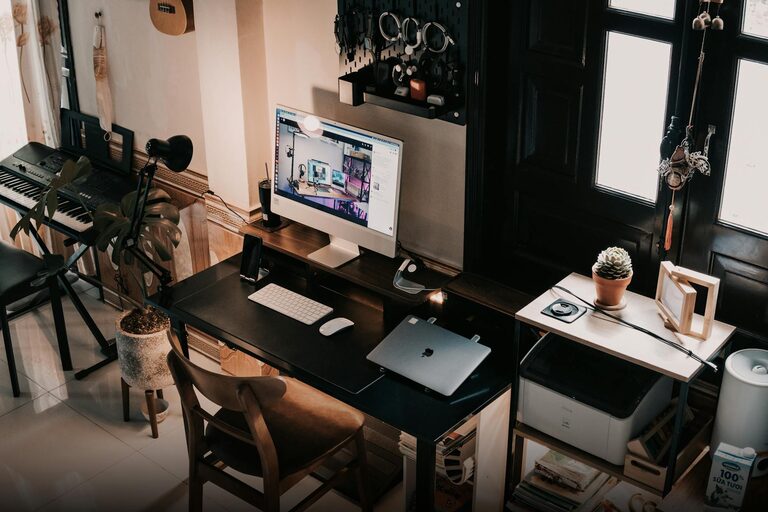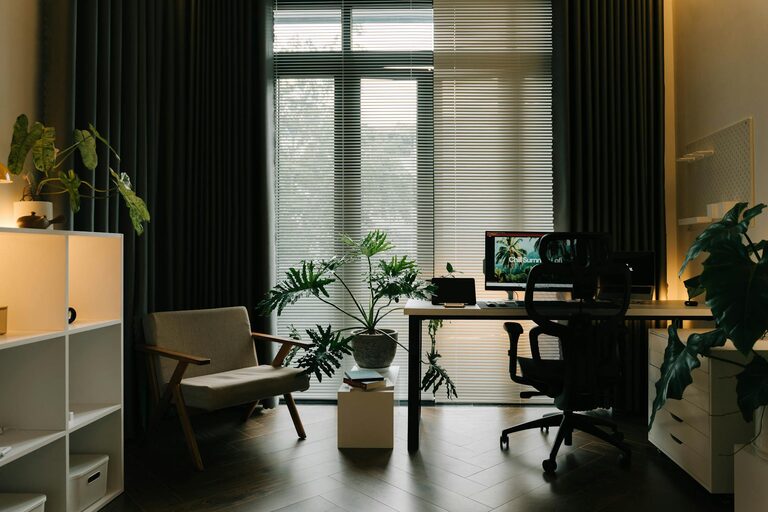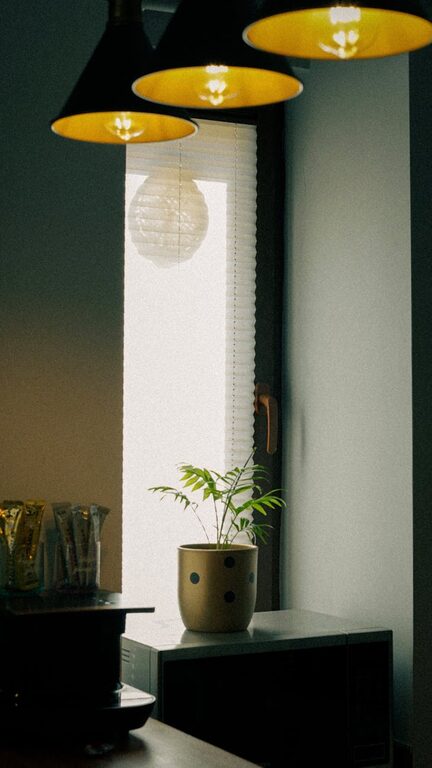




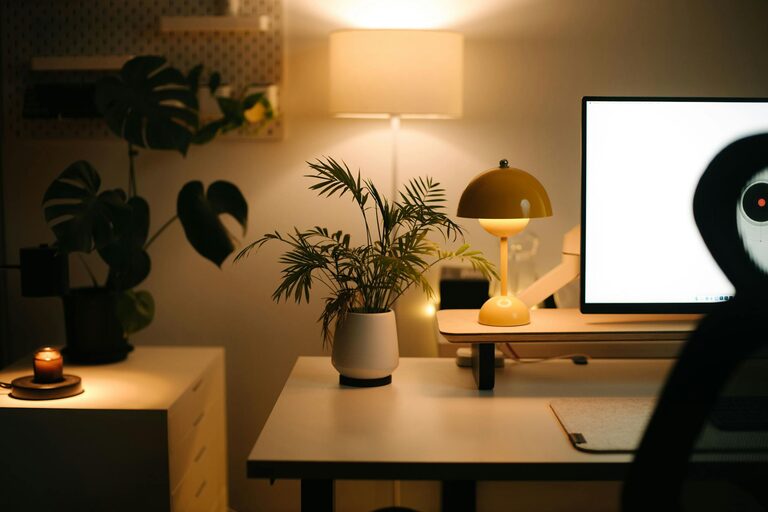
Creating a home workspace that balances comfort and functionality is essential for anyone working remotely or spending significant time on personal projects. An inviting and well-organized workspace can boost productivity, reduce stress, and make working from home a more enjoyable experience. This guide will walk you through practical tips to design a cozy and efficient workspace tailored to your needs.
1. Choose the Right Location
The foundation of a productive workspace begins with selecting the ideal spot in your home. Consider these factors:
– Natural Light: Choose a space near a window to take advantage of natural light, which can improve mood and reduce eye strain.
– Quiet Area: Find a spot away from household noise and distractions to maintain focus.
– Space Availability: Ensure the area has enough room for your desk, chair, and any necessary equipment.
If possible, dedicate an entire room as your office, but if space is limited, a quiet corner can work just as well.
2. Invest in Comfortable and Ergonomic Furniture
Comfort is key when spending hours at a desk. Invest in furniture that supports your body and promotes good posture:
– Ergonomic Chair: Choose a chair with adjustable height, lumbar support, and comfortable padding.
– Appropriate Desk Height: Your desk should allow your elbows to rest comfortably at a 90-degree angle when typing.
– Footrest: If your feet don’t rest flat on the floor, consider a footrest to reduce leg fatigue.
Comfortable furniture prevents discomfort and long-term health issues, allowing you to work longer and more effectively.
3. Organize Your Workspace Efficiently
An organized workspace helps minimize distractions and streamlines workflow:
– Declutter Regularly: Keep only essential items on your desk to avoid visual clutter.
– Storage Solutions: Use shelves, filing cabinets, or desk organizers to store supplies neatly.
– Cable Management: Use clips or tubes to keep cords tidy and prevent tangling.
Organizing your workspace saves time and helps you maintain focus.
4. Personalize Your Space for Coziness
Personal touches make your workspace feel inviting and comfortable:
– Add Plants: Small indoor plants improve air quality and add a splash of color.
– Soft Textiles: Incorporate a cozy rug, throw blanket, or cushions to soften the area.
– Artwork or Photos: Display images that inspire and motivate you.
These elements can reduce stress and increase your attachment to the workspace, encouraging daily productivity.
5. Optimize Lighting for Comfort and Productivity
Proper lighting is essential for reducing eye strain and maintaining alertness:
– Combine Natural and Artificial Light: Use daylight during the day, supplemented by adjustable desk lamps for focused light.
– Avoid Glare: Position screens to avoid reflection and glare from windows or lighting.
– Use Warm Light: For a cozy feel, opt for soft white bulbs rather than harsh fluorescent lighting.
Adjustable lighting options let you customize your workspace atmosphere throughout the day.
6. Incorporate Technology Thoughtfully
Tech tools can enhance your workspace but should be set up to reduce clutter and boost efficiency:
– Monitor Stands: Elevate screens to eye level to reduce neck strain.
– Wireless Accessories: Use wireless keyboards and mice to minimize cables.
– Noise-Canceling Headphones: Great for concentration in shared or noisy spaces.
Prioritize technology that supports your work style without overwhelming your space.
7. Establish Boundaries Between Work and Home
Keeping your workspace separate from your living areas helps maintain work-life balance:
– Dedicated Workspace: Avoid working from your bed or couch to separate relaxation from responsibilities.
– End-of-Day Routine: Create a habit of tidying your desk and shutting down devices at the day’s end.
– Physical Barriers: Use room dividers or curtains if your office shares space with living areas.
Clear boundaries support mental well-being and improve focus during work hours.
8. Keep Essentials Within Reach
To avoid unnecessary interruptions, keep frequently used items close at hand:
– Stationery: Pens, notebooks, and chargers should be easily accessible.
– Water and Snacks: Stay hydrated and energized without leaving your desk often.
– Calendar and Planner: Use desk calendars or planners to keep track of tasks and deadlines.
Having essentials nearby saves time and keeps you immersed in your tasks.
9. Maintain Good Air Quality and Ventilation
A fresh environment supports concentration and comfort:
– Regularly Open Windows: Let fresh air circulate whenever possible.
– Air Purifiers: Consider using small air purifiers especially in enclosed spaces.
– Avoid Strong Scents: Choose subtle natural fragrances if desired to keep the atmosphere pleasant.
Clean air contributes to overall well-being during long working hours.
10. Decorate with Functional and Inspiring Elements
Finally, blend function and inspiration with your decor choices:
– Bulletin Boards or Whiteboards: Useful for notes and reminders.
– Bookshelves: Store reference materials and add personality.
– Inspiring Quotes: Place motivational quotes where you can see them daily.
Functional decor enhances both the utility and the ambiance of your workspace.
—
By carefully designing your home workspace with these tips, you can create an environment that supports your productivity and well-being. Whether you have a full room or just a small corner, thoughtful planning and personalization will transform your workspace into a place where work feels natural and enjoyable. Remember, comfort and organization go hand in hand in creating the perfect balance for your remote work or creative projects.