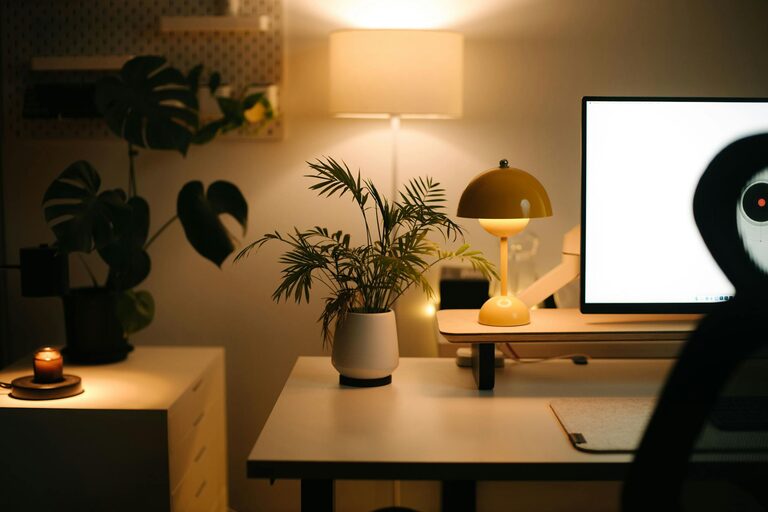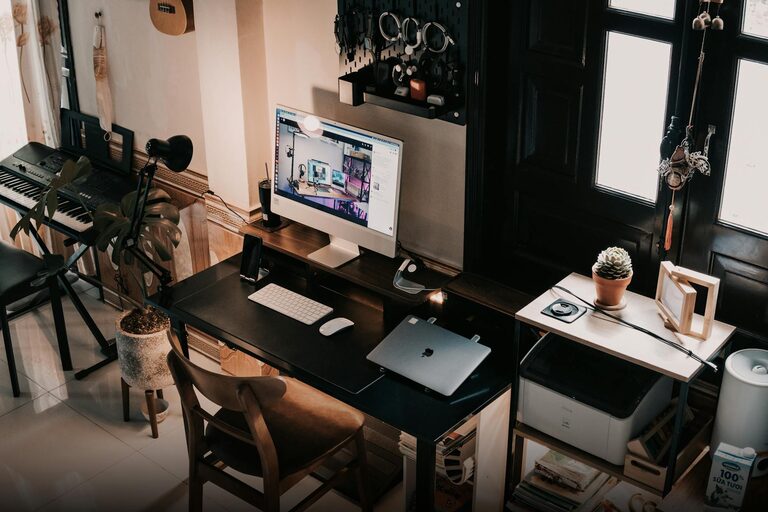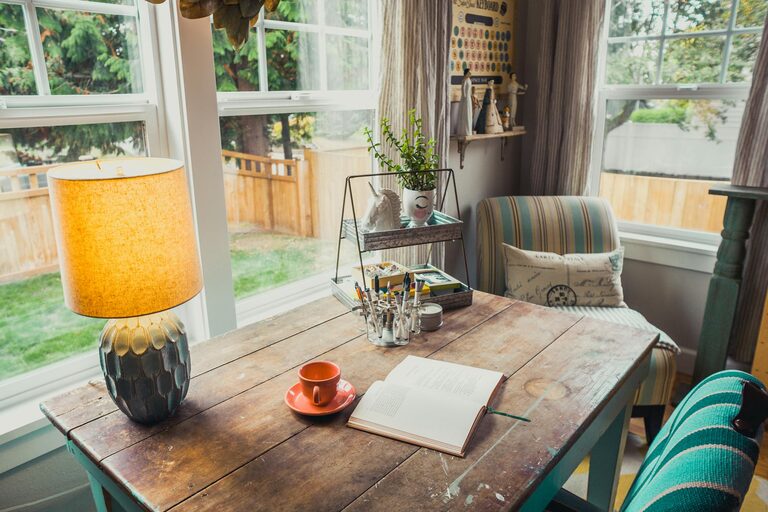





Creating a home office that is both cozy and productive can make a significant difference in your daily work experience. Whether you’re working remotely full-time or just need a dedicated space for occasional tasks, a comfortable environment that supports focus will help you perform at your best. Here’s a detailed guide with practical tips to help you design your ideal home office.
1. Choose the Right Location
Selecting the perfect spot for your home office is the first step to creating an inviting and efficient workspace.
Consider Natural Light
Set up your desk near a window if possible. Natural light boosts mood and energy, reducing fatigue. However, avoid direct glare on your computer screen by positioning your desk at an angle to the window.
Minimize Distractions
Pick a quiet corner or a room where foot traffic is low. If that’s not possible, noise-cancelling headphones or white noise machines can help block out distractions.
2. Invest in Comfortable and Functional Furniture
Your furniture should support good posture and be suited to your work needs.
Ergonomic Chair
A chair with adjustable height and lumbar support promotes comfort during long hours of sitting. Take time to invest in quality seating rather than compromising on your health and focus.
Desk Size and Setup
Choose a desk that fits your space and allows enough room for all your essentials: computer, planners, and other tools you frequently use. Consider desks with storage options to keep the surface clutter-free.
3. Optimize Lighting
Good lighting reduces eye strain and creates a welcoming atmosphere.
Layer Your Lighting
Combine ambient lighting (overhead lights) with task lighting (desk lamps) to create flexibility. Warm LED bulbs are gentle on the eyes and add coziness to your workspace.
Position Lights Strategically
Ensure your light sources don’t create screen glare. Position task lights so that shadows fall away from your work area.
4. Organize and Declutter
A tidy workspace helps clear your mind and improves efficiency.
Use Storage Solutions
Shelves, drawers, and boxes keep paperwork and office supplies organized. Labeling containers speeds up finding things.
Digital Declutter
Organize your computer files and keep only necessary applications open to maintain focus.
5. Add Personal Touches
Incorporate items that make you feel relaxed and inspired.
Plants
Indoor greenery can purify the air and add a calming natural element.
Artwork and Photos
Choose images that motivate or soothe you, but avoid overcrowding your walls.
Cozy Accessories
A soft rug, cushions, or a throw blanket make your office feel inviting.
6. Manage Cables and Electronics
Messy cables create visual chaos and can distract you.
Cable Organizers
Use clips, sleeves, or boxes to keep cords neat and out of sight.
Efficient Electronics Setup
Invest in a docking station or charging station to keep devices charged and accessible without mess.
7. Set Boundaries and Schedule Breaks
Separating work from personal life is key when working from home.
Define Work Hours
Working within set times helps maintain balance and prevents burnout.
Break Time
Schedule short breaks to stretch and rest your eyes. Use timers or apps as reminders.
8. Optimize Air Quality and Temperature
Comfort includes fresh air and a pleasant temperature.
Ventilation
Open windows when possible, or use a small fan or air purifier.
Temperature Control
Adjust heating or cooling to keep the environment comfortable year-round.
Conclusion
Designing a cozy and productive home office is about balancing comfort, functionality, and personal style. By carefully choosing your workspace location, investing in ergonomic furniture, managing lighting and organization, and incorporating personal touches, you can create an environment that supports your best work while making you feel at ease. Take small steps to improve your home office, and enjoy the difference it makes to your daily routine.